Free tech help
About Us
Tech Tips 4 U started in 2001 as a few guys doing tech support all day wanted to post some things that people called us about all the time. Come learn with us while we grow our knowledge base and let's have some fun.
Latest News
5 Windows Power Tips That Make Your PC Feel Brand New

🧲 1. Clear Startup Clutter for Instant Speed Too many apps launching at boot slows everything down. Go to Settings → Apps → Startup and disable anything you don’t use daily. Result: Faster boot times and smoother performance. ➡️ Want a pro to optimize your system? CompuTrend offers full PC […]
Speed Up a Slow PC Without Buying New Hardware
If your computer feels slower than it used to, you’re not alone. Over time, even a good system can become sluggish due to software clutter, background programs, and routine wear on the operating system. The good news? You may be able to improve performance without spending a dime on new […]
CenterState Bank Security Alert
This advisory is for people that bank with CenterState Bank. CenterState Bank Important Security Alert CenterState Bank customers have been contacted by individuals calling in regards to debit card transaction activity. The individuals sound legitimate and may appear to be calling from a CenterState Bank telephone number; however, you will […]
Why MAC May Not Print To Ricoh Printers
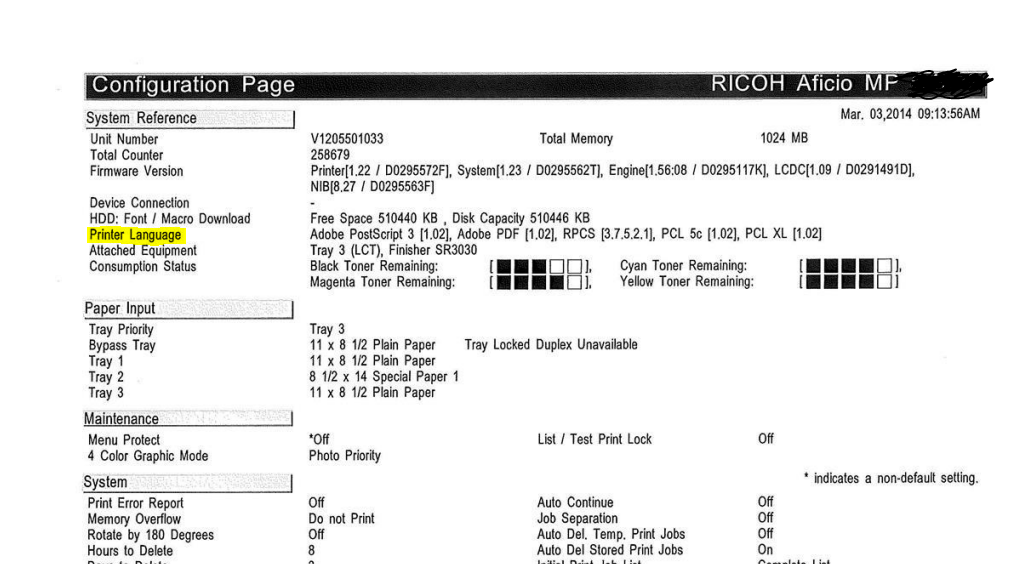
I Recently ran into an issue with a MacBook Air not able to print to a Ricoh MPC 4503. To isolate the issue I installed a PostScript driver and turned on user codes. (they are using user codes to print in color) After enabling the user codes I still could […]
Disable WordPress Plugins via MySql
Sometimes a WordPress plugin will take down your whole site which can drive you nuts. You can’t get to WP-Admin to fix it and you are left wondering what to do next. Well here is the solution. Login to cpanel in most cases this will be domain.com/cpanel Go to phpMyadmin […]
Outlook AutoComplete Fix
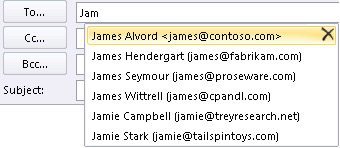
This Article contains a simple way to understanding the process of restoring your AutoComplete within Outlook after performing an upgrade or changing the Outlook profile. Outlook maintains the AutoComplete list. The list is used by both the automatic name-checking feature and the automatic completion feature. The AutoComplete list, also known […]
Print shop Operations
Good Afternoon Hello Fellow Tech’s . Today I want to talk about what is needed to run a efficient print shop . now a lot of you will say that it should be simple enough but in fact it is easier said than done . there are all kinds […]
APIPA – Automatic Private IP Addressing
Short for “Automatic Private IP Addressing” this little Windows function is very cool. It will autoconfigure an IP address if your DHCP server is not available for whatever reason. APIPA will always give an address of 169.254.0.0/16 or 169.254.0.0-169.254.255.255 and the subnet will be a class B or 255.255.0.0. APIPA […]
What is a NIC
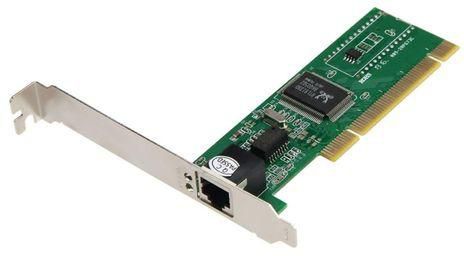
A NIC or Network Interface Card is a device that allows you to connect to a network. A NIC may be wired or wireless but either way it has circuitry required to communicate on a network. It is NOT a “NIC Card” because the “C” in NIC stands for Card […]
Prevent Windows from Automatically Adding Networked Printers
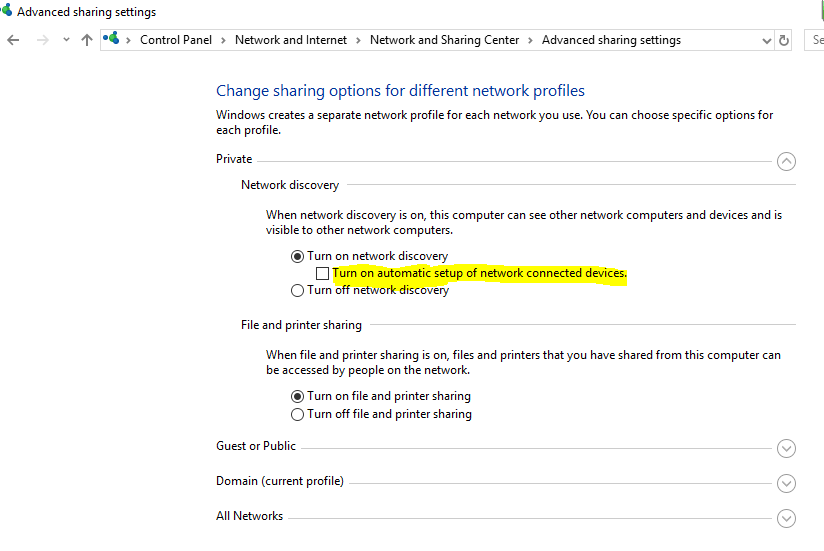
With the addition of Windows 10 comes a new host of problems. One of the most irritating is having a network device automatically installed on your computer and cluttering your device list! Prevent Windows from automatically adding networked printers by following these steps: 1: Navigate to control panel, select network […]